01
Compress on upload
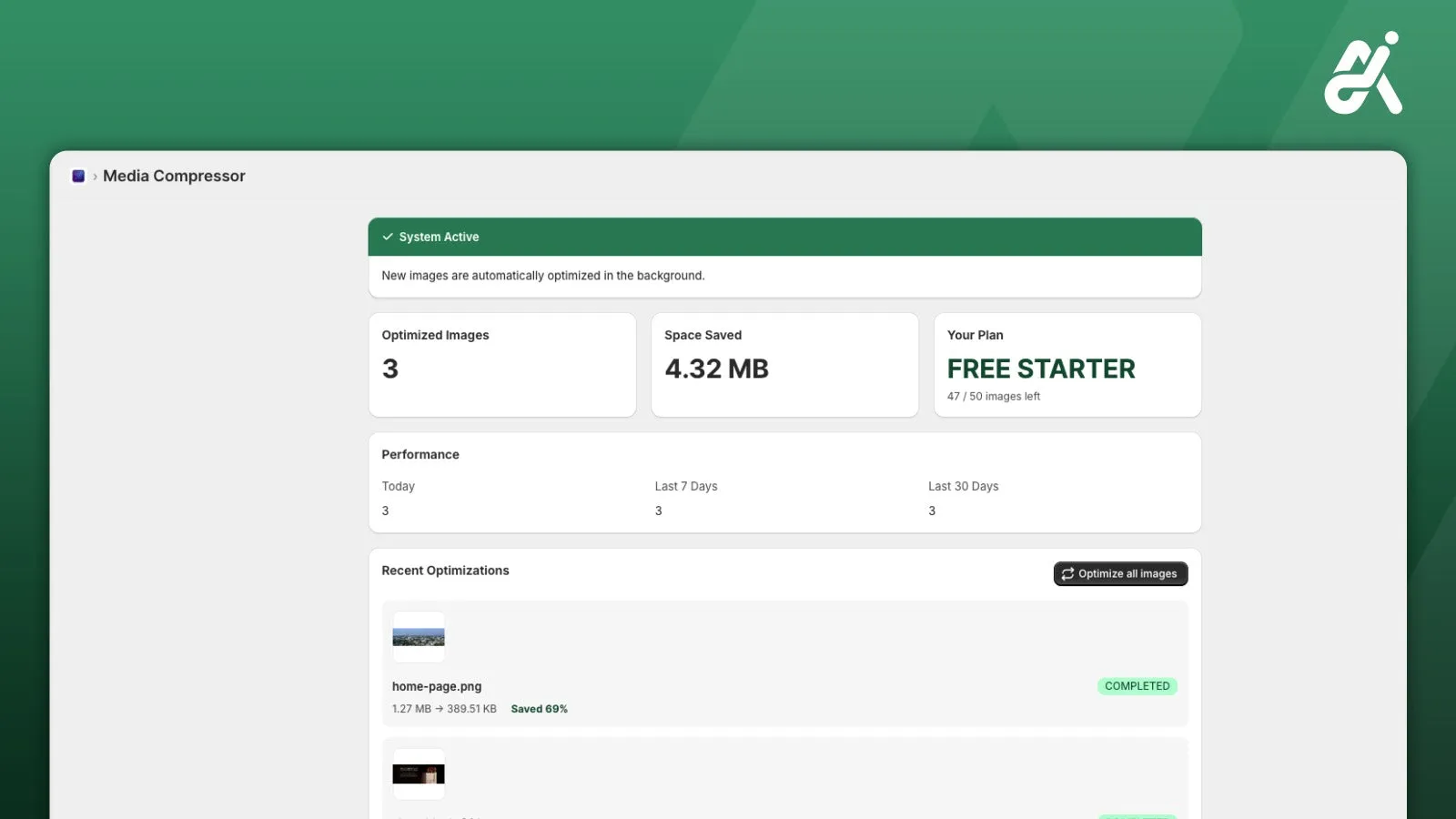
Images are optimised automatically when they’re uploaded or updated.
Loading
 Shopify app · Site optimisation
Every image on your store, compressed and web-ready in the background while you work.
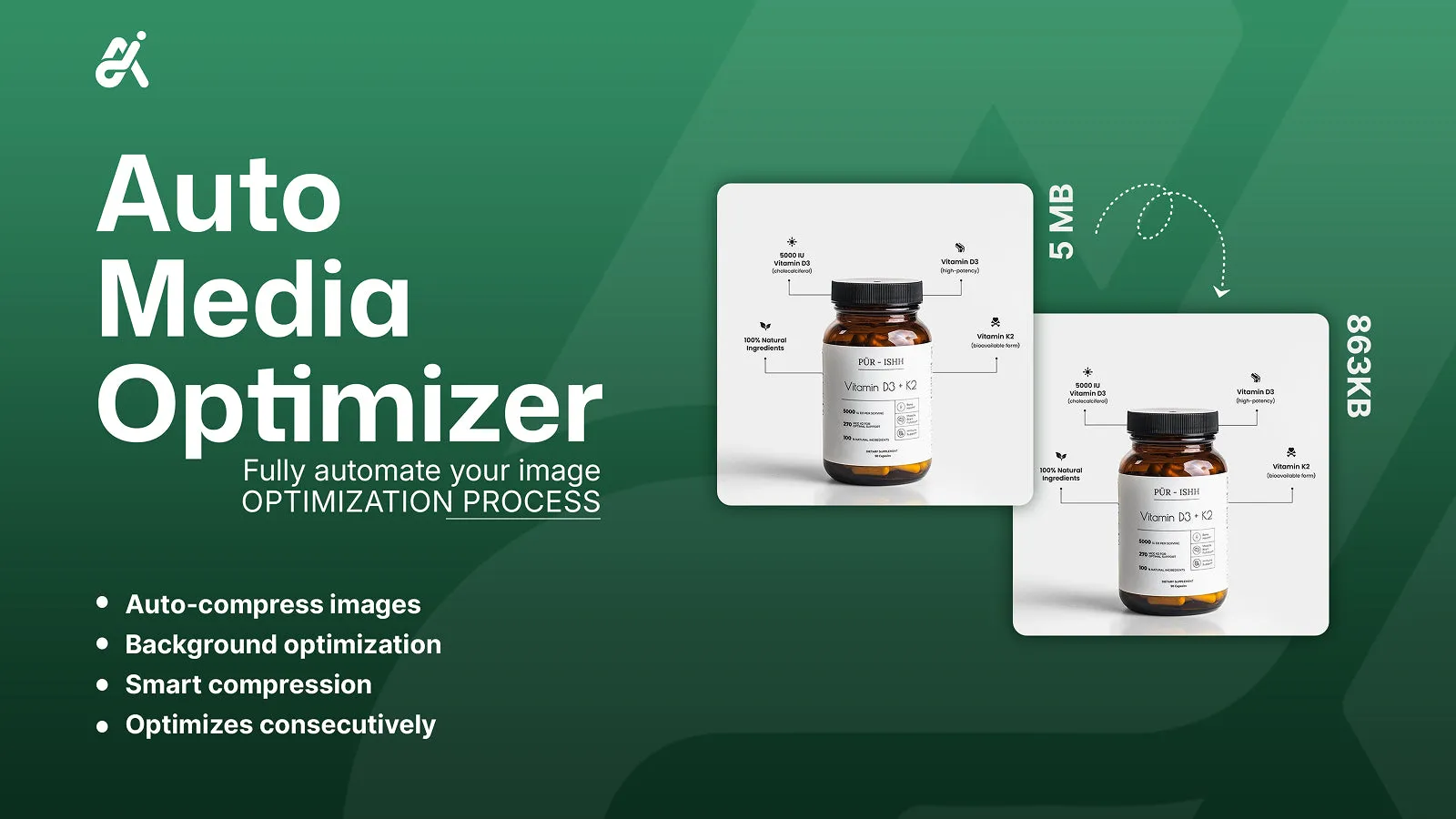
Images are optimised automatically when they’re uploaded or updated.
No waiting and no clicks. Keep working while it runs.
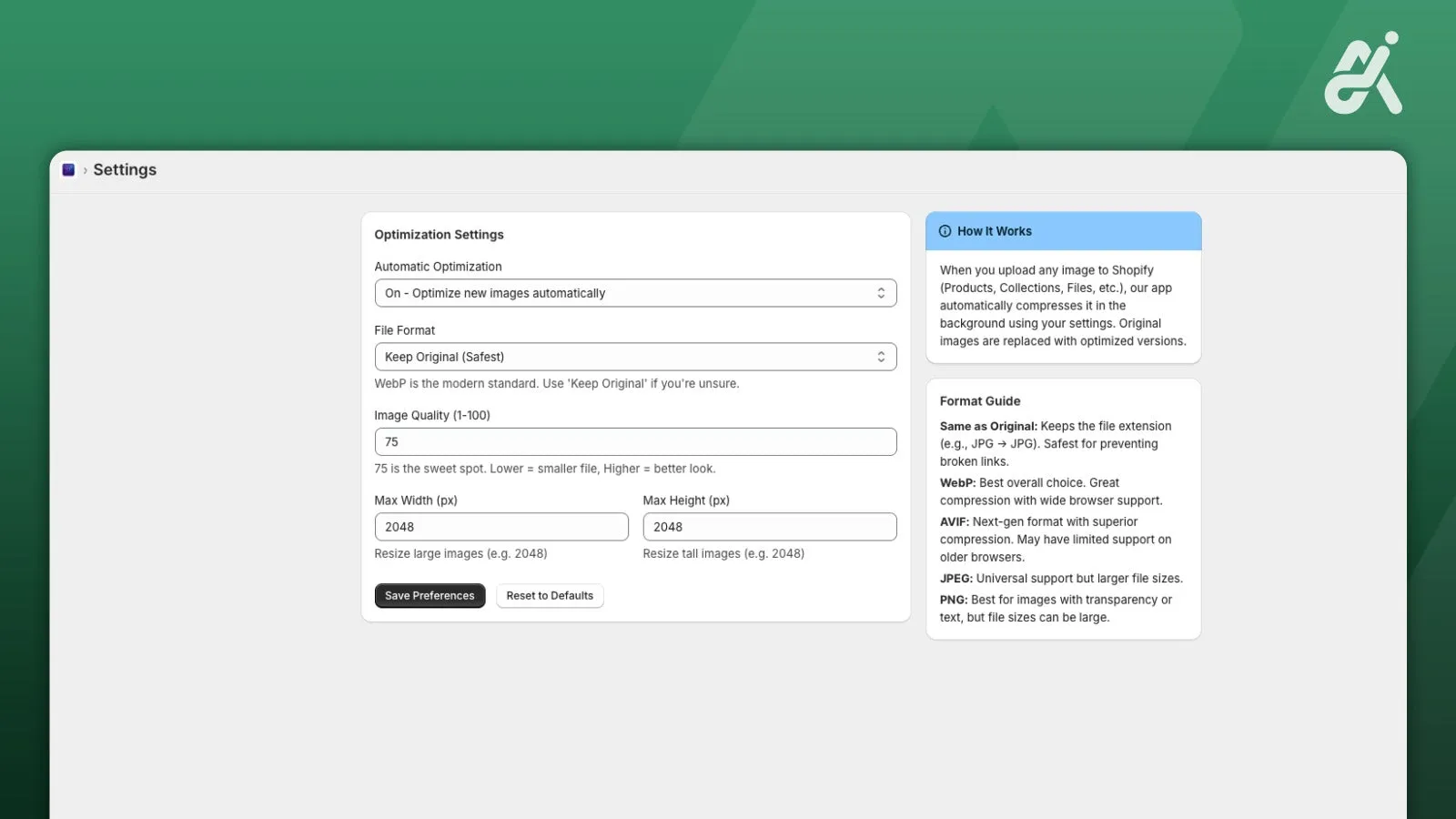
Smart compression that keeps images looking sharp.
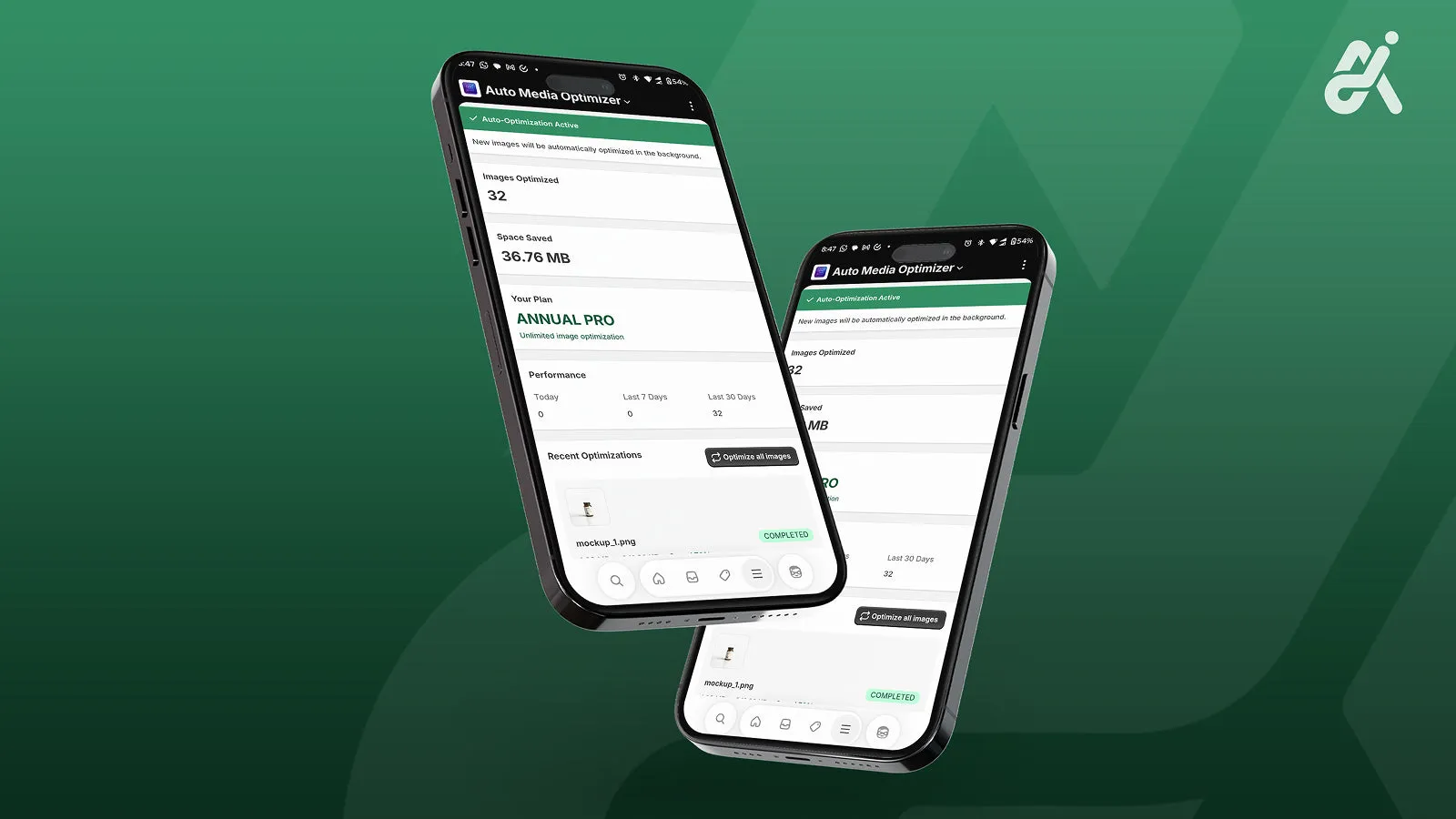
Optimises consecutively across your store, media library included.
Add it from the Shopify App Store. It starts working right away.
Add, update or replace product and media images the way you always do.
Images come out web-ready, so pages load faster for shoppers.
Billed through Shopify. Prices as listed on the Shopify App Store.
$0/month
$9.99/month
or $99/year (save 17%)
No. Upload, update or replace images as usual and the app optimises them in the background.
It uses smart compression designed to avoid visible quality loss.
Yes. It works store-wide, media library included.

Each app fixes one thing. Our CRO plan finds and tests the rest.