01
Automatic
Badges appear the instant a discount goes live and disappear when it ends. No manual updates.
Loading
 Shopify app · Discounts
Discount badges that sync live with your sales. One flat monthly fee. Never a cut of your revenue.
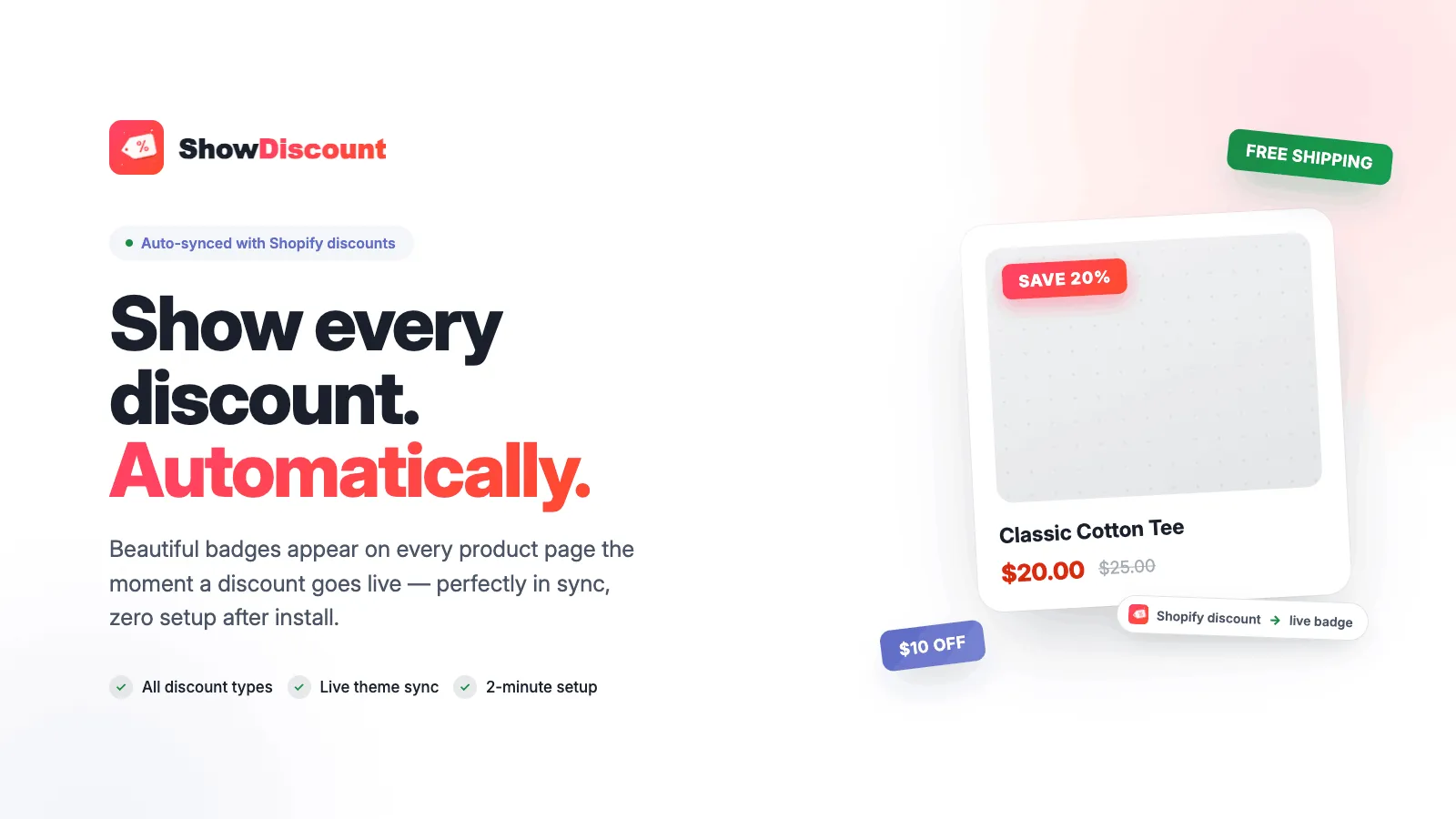
Badges appear the instant a discount goes live and disappear when it ends. No manual updates.
Live in about 2 minutes on any Online Store 2.0 theme, through a theme app extension.
One price. Never a percentage of your sales.
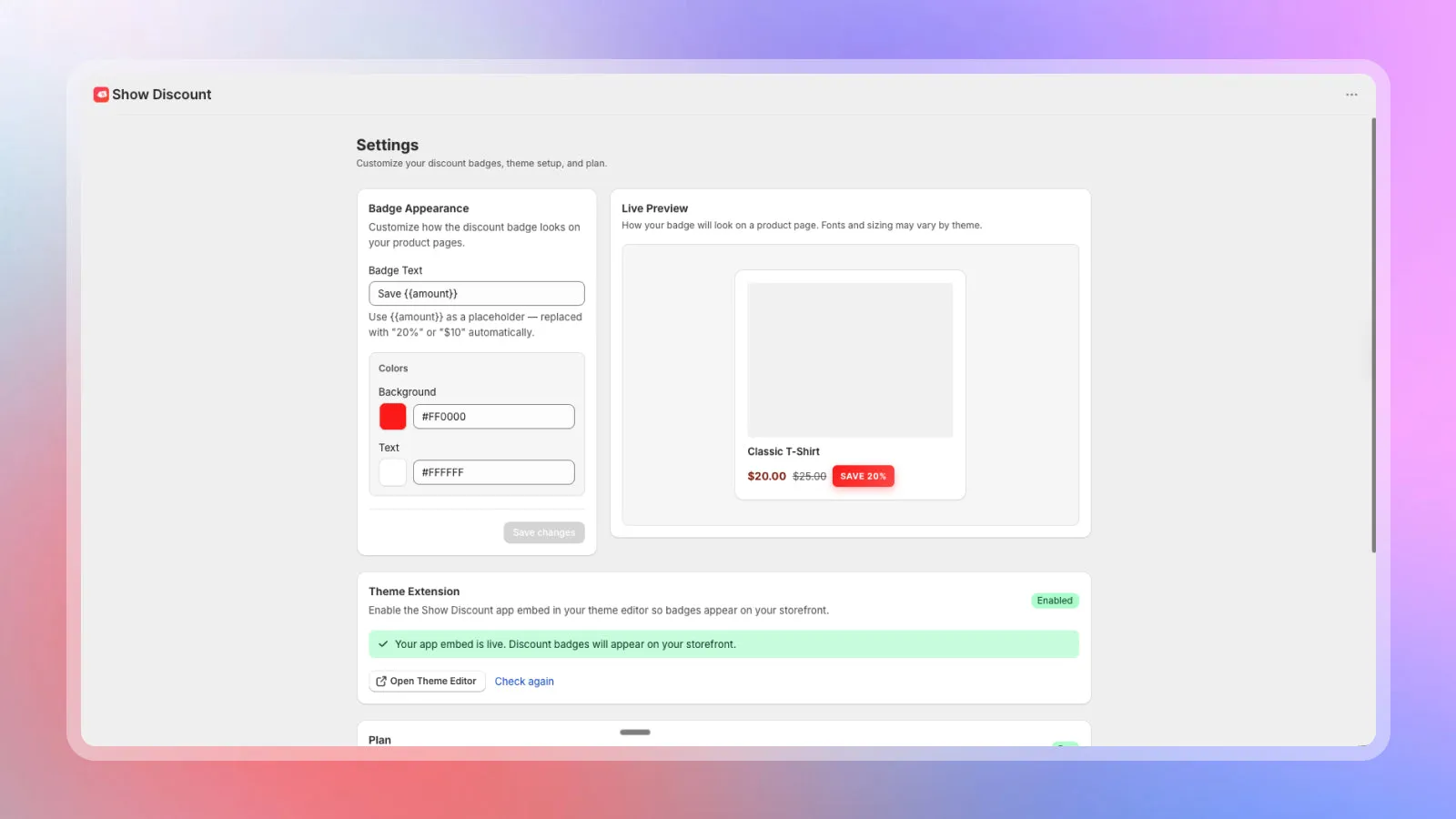
Match badge colours and text to your brand.
Percentage, fixed amount, free shipping and Buy X Get Y.
Add it from the Shopify App Store and enable the app block in your theme editor.
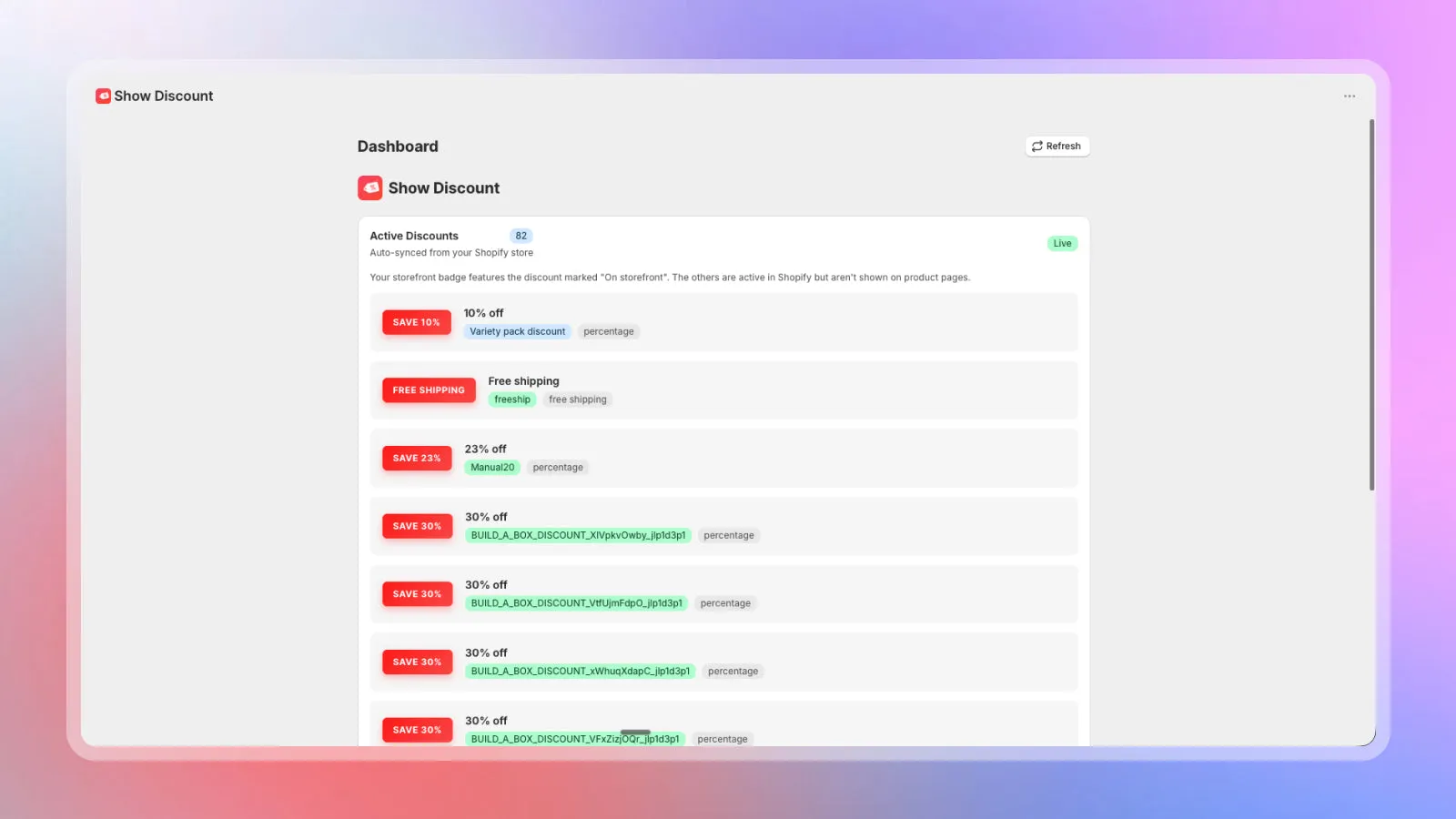
Use Shopify’s own Discounts section. Nothing new to learn.
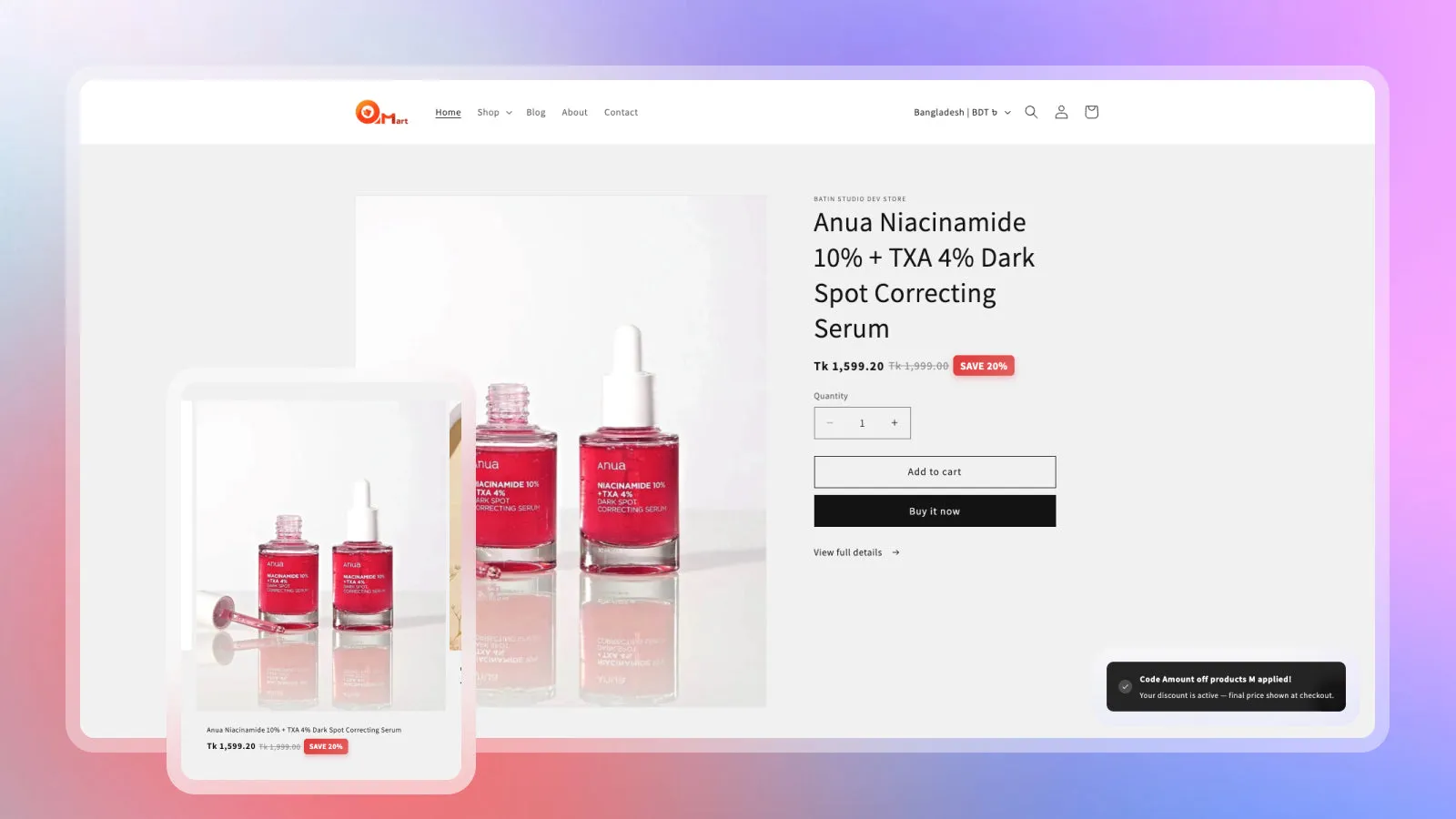
Shoppers see the saving next to the price, on the product page and beyond.
Billed through Shopify. Prices as listed on the Shopify App Store.
$0/month
$24.99/month
or $240/year (save 20%) · 7-day free trial
No. It runs as a theme app extension, so you turn it on and off in the theme editor and uninstalling leaves no code behind.
Percentage, fixed amount, free shipping and Buy X Get Y discounts created in Shopify.
Never. It’s a flat monthly fee, with a free plan for product page badges.
Any Online Store 2.0 theme.

Each app fixes one thing. Our CRO plan finds and tests the rest.